What is AI video analytics?
AI video analytics uses artificial intelligence and computer vision to analyse video footage and identify useful information, such as people counts, movement patterns, occupancy and activity within defined areas.
What is KenVision?
KenVision is Intelense's AI video analytics product. It turns video feeds from compatible cameras into business insights, including footfall analytics, heatmaps, dwell time, queue monitoring and other supported metrics.
How is AI video analytics different from CCTV?
Traditional CCTV primarily records video for live monitoring or later review. AI video analytics automatically analyses video feeds to generate metrics, identify patterns and provide operational insights.
Can KenVision work with existing CCTV cameras?
KenVision is designed to integrate with compatible existing cameras and recording systems. The exact compatibility and setup depend on your current infrastructure.
What is footfall analytics?
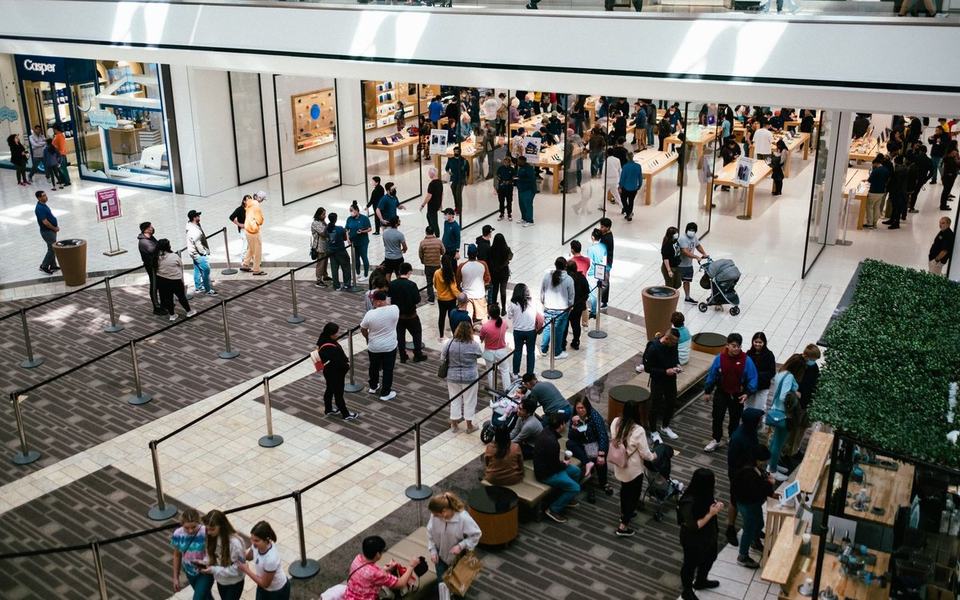
Footfall analytics measures visitor traffic across a location. Businesses use it to understand visitor numbers, entry and exit patterns, and peak hours.
What is dwell time analytics?
Dwell time analytics measures how long people remain in a defined area. Retailers can use it to understand activity around displays, counters and other selected zones.
Can KenVision help improve retail performance?
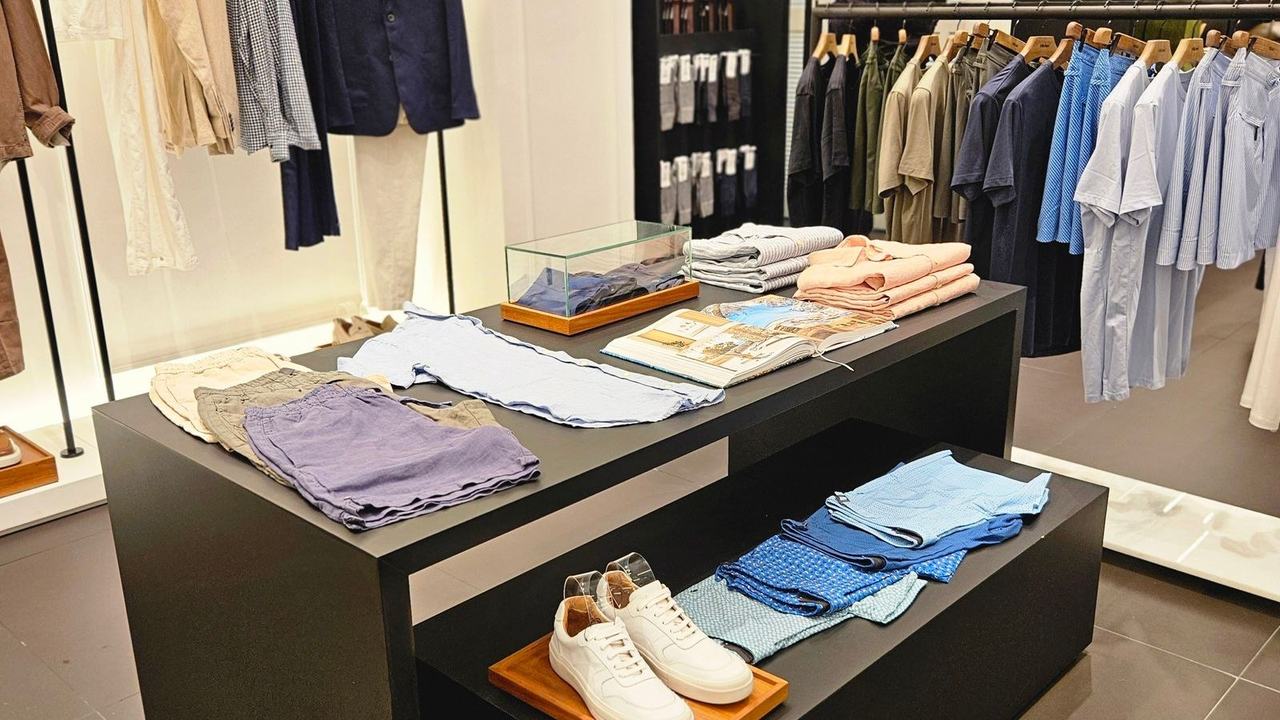
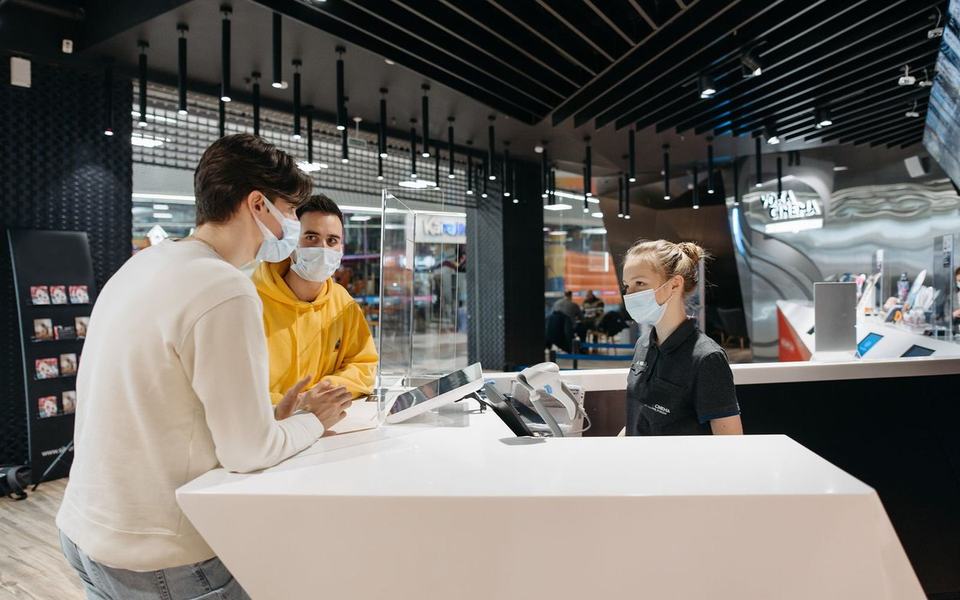
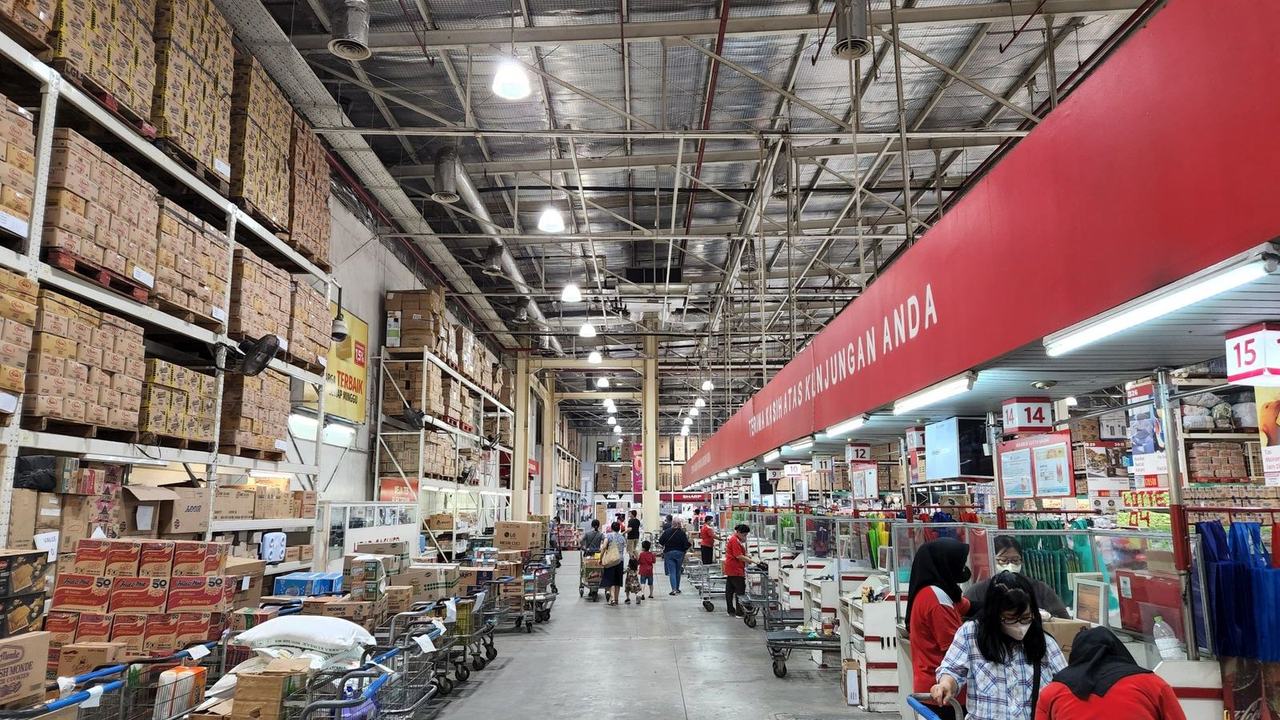
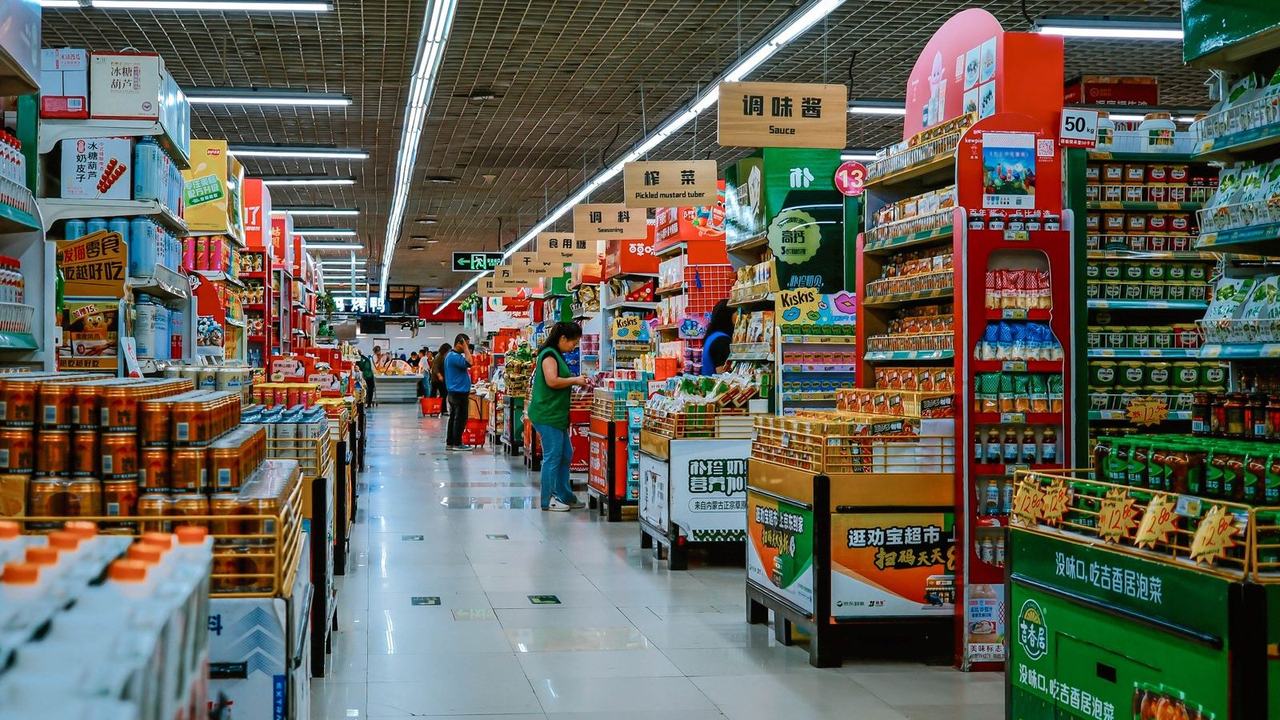
KenVision can help retailers understand footfall, customer movement, dwell time and queue patterns. These insights can support decisions about staffing, store layouts and customer experience. Actual sales impact depends on how the insights are used.
Does KenVision require new hardware?
Not necessarily. KenVision can use compatible existing camera infrastructure. Hardware, processing and integration requirements depend on the deployment.
Can KenVision be used outside retail?
Yes. Video analytics can also support applications in commercial buildings, offices, transport hubs, healthcare facilities and hospitality environments, depending on the features configured.
How can I get a KenVision demo?
Contact Intelense to discuss your business requirements, camera infrastructure and analytics needs. The team can help you understand the appropriate configuration for your use case.


 Entrance · 18 in