New  KenVoice joins the Ken platform as our seventh module See KenVoice
  1. Home
  2. Modules
  3. KenSafety
AI safety intelligence by Intelense

Spot Safety Risks Before They Become Bigger Problems.

KenSafety uses AI-powered video analytics to monitor workplace safety through compatible existing CCTV cameras. Detect missing protective equipment, identify restricted-zone entry, flag potential hazards and alert your team when something needs attention.

Help your team move from manually checking footage to more proactive safety monitoring.

AI-powered workplace safety monitoring for construction, manufacturing, warehouses and industrial facilities.

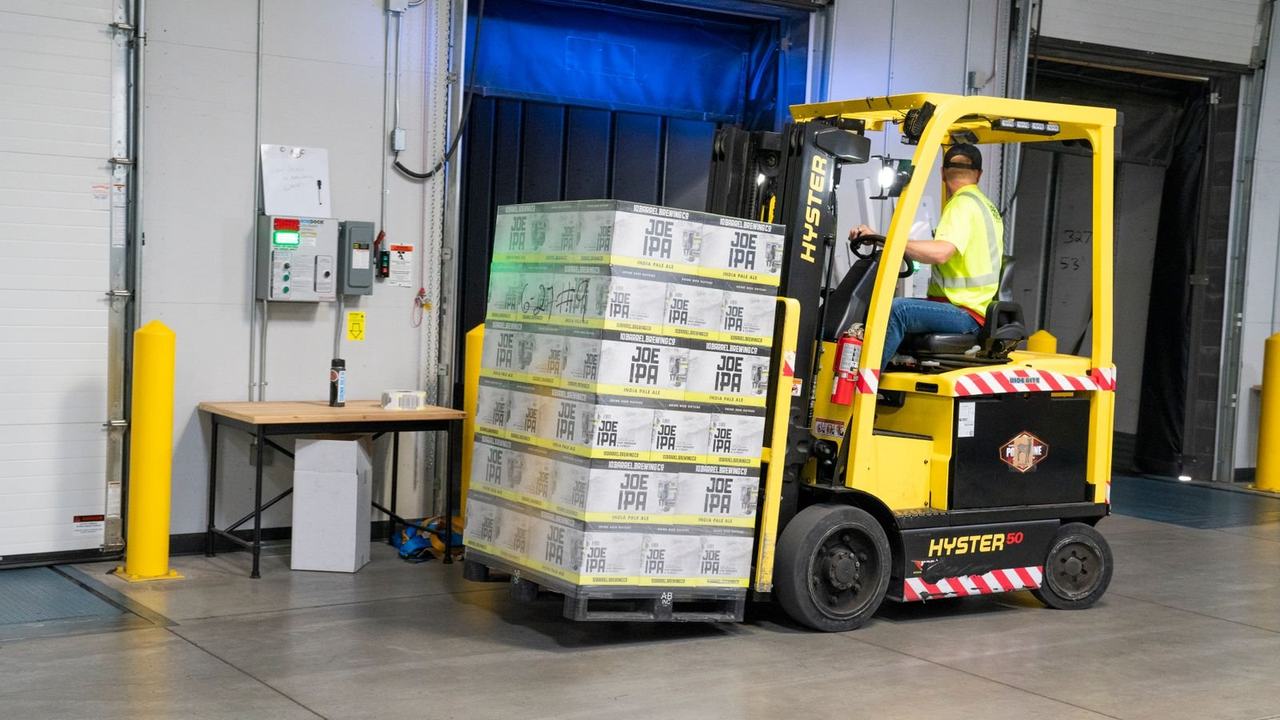
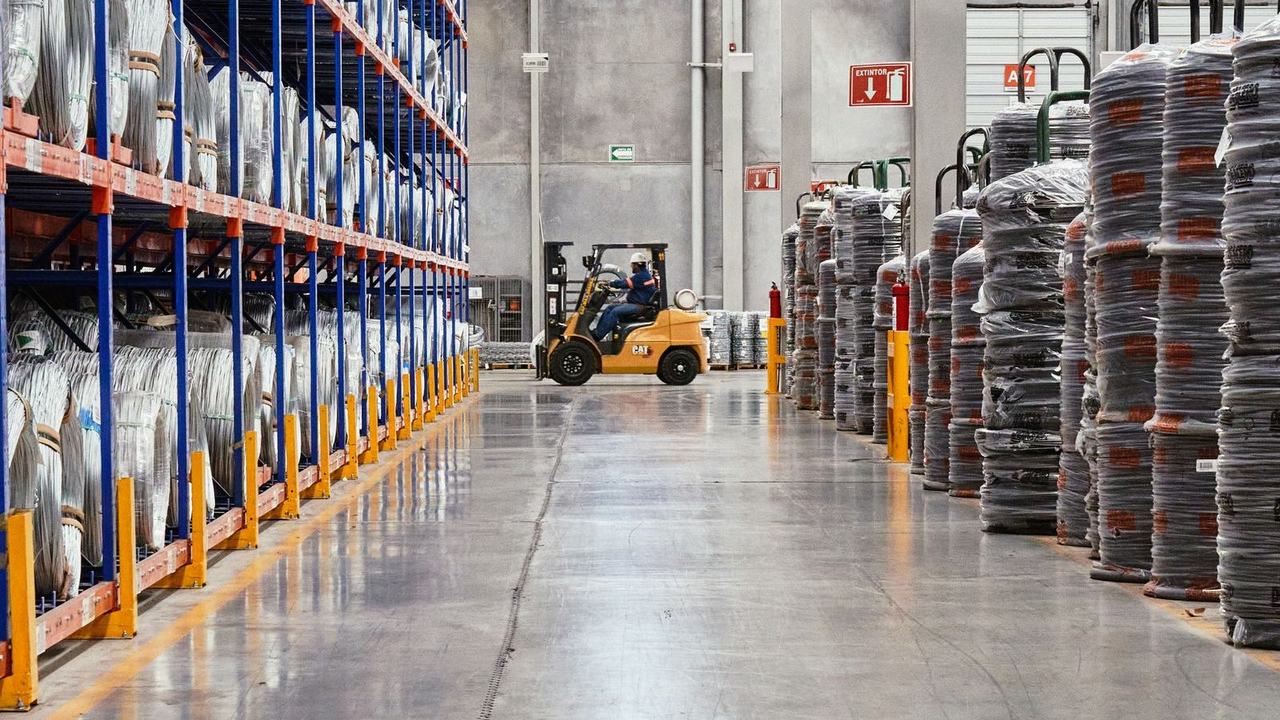
Loading dock forkliftDock zone BForklift 91%Person · PPE ok
CAM-04 · Loading dock B14:32:09
The problem

Safety Shouldn't Depend on Someone Watching Every Screen.

On a busy construction site, factory floor or warehouse, things can change in seconds.

A worker may enter a restricted area, operate without the required protective equipment or move too close to heavy machinery.

Traditional CCTV records what happens. But reviewing every camera feed continuously is difficult, especially across large sites.

KenSafety uses AI to help identify potential safety risks as they appear on camera.

  • Missing protective equipment?Identify potential PPE violations, such as missing helmets or high-visibility vests.
  • Workers entering dangerous areas?Monitor restricted zones and flag unauthorised entry.
  • People and machinery working too close?Detect configured human-vehicle safety-zone violations.
  • Fire, smoke or a potential fall?Flag supported visual events so the relevant team can respond.
  • Too much paperwork after an incident?Maintain incident records and reports to support safety reviews and compliance documentation.
Features

Everything You Need for Smarter Workplace Safety Monitoring

KenSafety combines AI video analytics, hazard detection and safety reporting to help teams understand risks across their work environments.

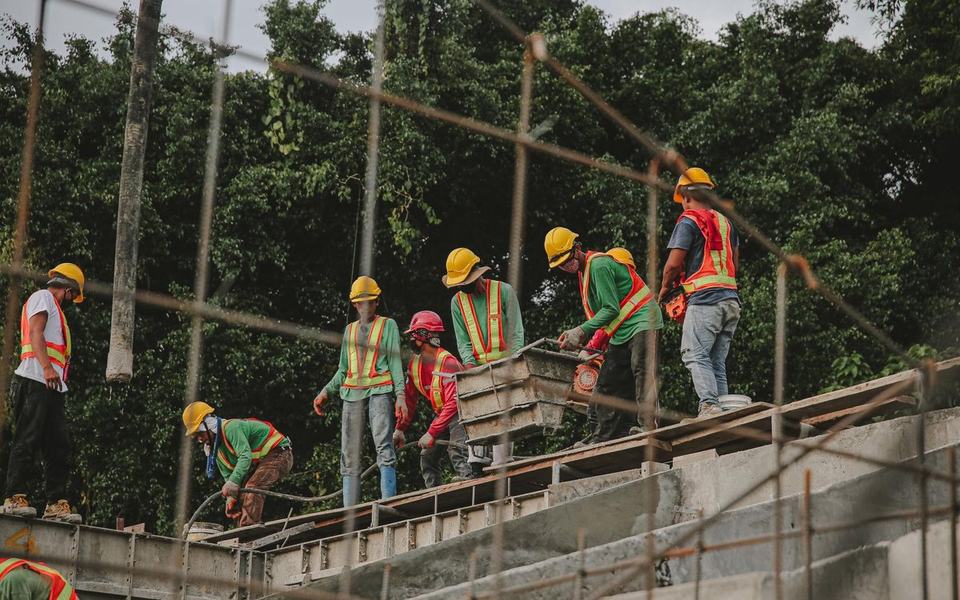
Group of about eight construction workers in hard hats and orange/green hi-vis vPPE okPPE ok
01

AI PPE Detection & Compliance

Make protective equipment checks more consistent.

Use AI PPE detection to identify when workers may be missing required safety equipment, including hard hats, high-visibility vests, gloves, boots and other configured PPE.

Monitor compliance across camera-covered work areas and help safety teams identify recurring violations.

Warehouse aisleRestricted zone
02

Hazard Zone & Restricted Area Detection

Know when someone enters an area they shouldn't.

Define restricted areas and hazardous zones within camera views. KenSafety can flag unauthorised entry and configured zone violations, helping teams respond before a situation escalates.

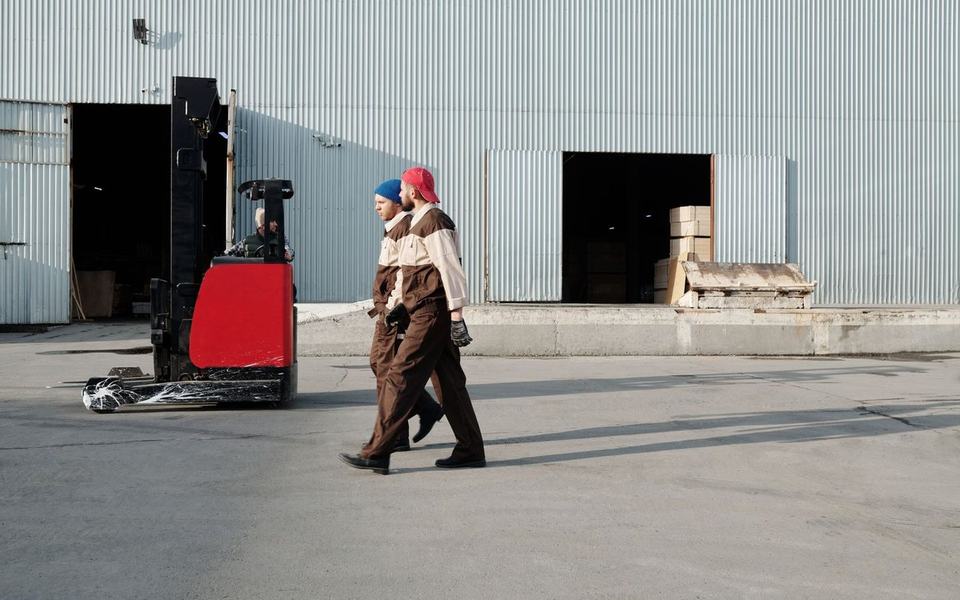
Two workers in brown uniforms walk across a warehouse yard just in front of a paForkliftPerson · 2.1 m
03

Human-Vehicle Safety Monitoring

Help keep workers and moving vehicles apart.

Monitor designated areas where pedestrians and vehicles such as forklifts or other site machinery operate near one another. Detect configured proximity risks and alert the relevant team when safety boundaries are breached.

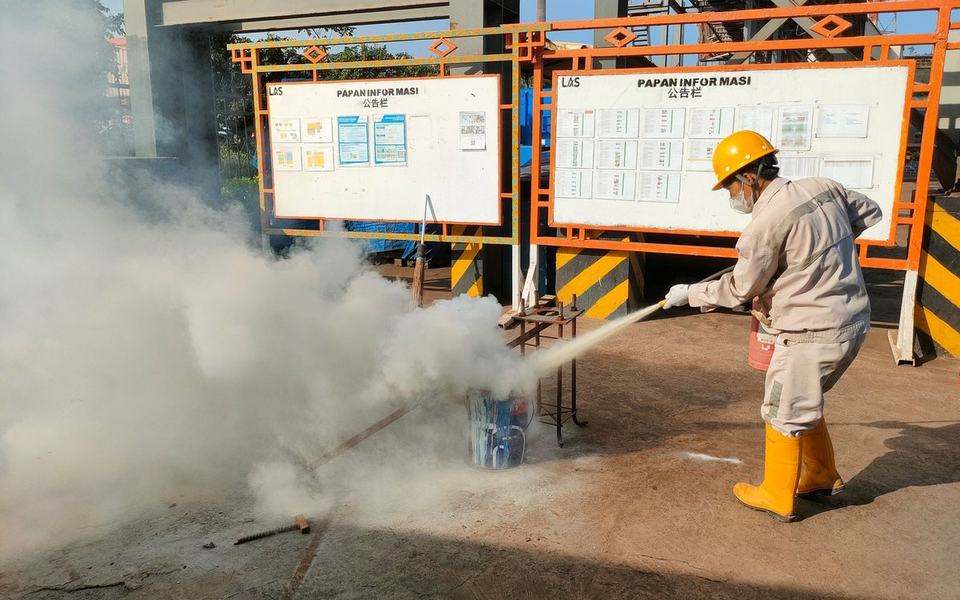
Worker in yellow hard hat, mask and boots sprays a hose at a thick white smoke cSmoke detected
04

AI Fire & Smoke Detection

Identify potential fire hazards through camera feeds.

Use AI-powered visual detection to flag signs of fire or smoke in camera-visible areas. Give designated teams an additional way to identify potential hazards and investigate them promptly.

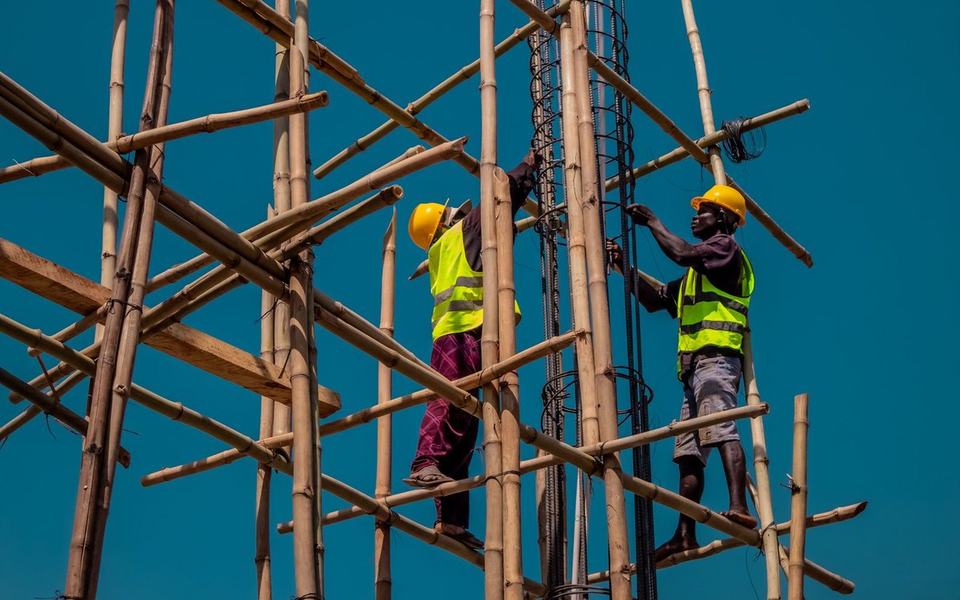
Two workers in hi-vis vests and hard hats climbing high on bamboo scaffolding agPerson · at height
05

Fall & Incident Detection

Flag potential incidents that need attention.

Detect supported events such as falls and other configured safety incidents from video feeds. Help teams identify situations that may require immediate investigation or assistance.

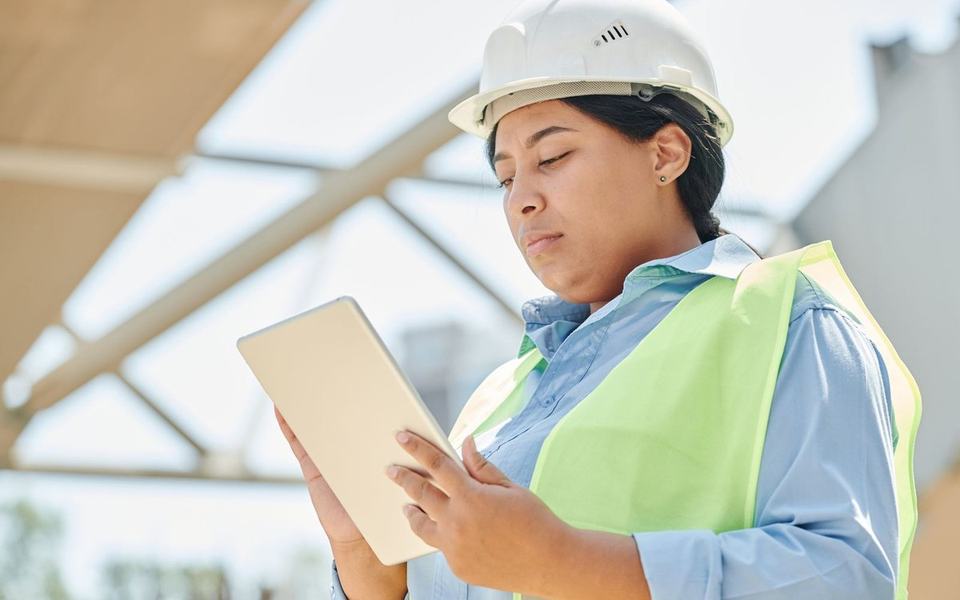
Woman in white hard hat and hi-vis vest looks down at a tablet on a site under sPPE ok
06

Automated Safety Reports

Spend less time putting incident records together.

Maintain timestamped incident records, event details and available visual evidence. Review recurring violations and safety patterns to support audits, internal reviews and corrective action.

How it works

From Camera Footage to Actionable Safety Insights

KenSafety adds an AI-powered safety monitoring layer to your existing camera infrastructure.

  1. 01

    Connect Your Existing Cameras

    Integrate compatible CCTV cameras and recording systems with KenSafety. Reuse your current setup where supported instead of replacing your entire camera infrastructure.

  2. 02

    Let AI Monitor for Safety Risks

    AI analyses video feeds for configured safety conditions, such as missing PPE, restricted-zone entry, unsafe proximity between people and vehicles, and supported incident events.

  3. 03

    Alert Teams & Record Events

    When a configured event is detected, KenSafety can notify the relevant team through supported alert channels and create incident records for review.

  4. 04

    Review & Improve Safety Practices

    Use dashboards and reports to understand recurring violations, review incidents and identify areas where safety procedures may need attention.

See KenSafety in Action

Industry applications

AI Safety Monitoring for High-Risk Work Environments

Different workplaces face different risks. KenSafety helps teams monitor camera-visible safety conditions across a range of industrial and commercial environments.

Construction Sites

Monitor hard hat and high-visibility vest compliance, restricted areas, scaffolding zones, heavy machinery activity and potential falls.

More on industrial →

Manufacturing & Industrial Facilities

Monitor PPE compliance, machine-adjacent safety zones and configured hazard areas across production floors.

More on industrial →

Warehouses & Logistics

Identify potential risks around forklifts, pedestrian walkways, loading bays and restricted storage areas.

More on industrial →

Ports & Transportation Hubs

Monitor designated operational zones, vehicle movement areas, restricted access points and camera-visible safety events.

More on smart cities →

Energy & Infrastructure

Support safety monitoring around designated high-risk areas, equipment zones and restricted operational spaces.

More on smart cities →

Commercial & Large Facilities

Monitor selected areas for restricted entry, crowd-density concerns and configured fire or smoke events.

More on retail →
Real-world example

A Small Safety Violation Can Become a Serious Incident.

Imagine a busy warehouse where forklifts move between storage racks while workers handle incoming shipments.

A pedestrian enters a designated vehicle movement zone. At the same time, another worker is operating without the required high-visibility vest.

If no one notices immediately, the risks can increase.

With KenSafety, AI video analytics can help identify configured human-vehicle zone violations and potential PPE non-compliance from compatible camera feeds.

The relevant team can receive alerts, review the event and take corrective action.

Instead of relying only on manual inspections or reviewing footage after an incident, your team gains another layer of visibility into everyday workplace risks.

  1. Person in vehicle zoneCAM-09 · Aisle 3. Alert sent to the floor supervisor.
    Alert
  2. No hi-vis vest detectedCAM-09 · Aisle 3. Added to today's PPE log.
    Alert
  3. Supervisor acknowledgedClip reviewed, worker reminded, incident record created.
    Resolved

Example footage and events

Why KenSafety?

More Visibility. More Consistent Safety Monitoring.

Use Your Existing Camera Infrastructure

Integrate compatible CCTV cameras and recording systems to extend safety monitoring without necessarily installing a completely new camera network.

Monitor Beyond Scheduled Inspections

Use AI to monitor configured safety conditions across supported camera feeds, including outside scheduled manual inspection rounds.

Identify Recurring Safety Issues

Review incident records and compliance trends to understand where violations occur and which areas may require attention.

Respond to Potential Risks Sooner

Receive alerts for supported safety events and help the appropriate teams investigate and respond promptly.

Support Safety Audits & Reporting

Maintain structured incident records and reports to support internal reviews, compliance processes and corrective action.

Monitor Multiple Areas

Use centralised dashboards to review safety events across supported cameras, zones and locations.

FAQ

Frequently asked questions

What is AI workplace safety monitoring?

AI workplace safety monitoring uses artificial intelligence and computer vision to analyse camera feeds for safety-related events, such as missing protective equipment, restricted-zone entry and selected hazards. It helps safety teams identify potential issues without relying entirely on manual camera monitoring.

What is KenSafety?

KenSafety is Intelense's AI-powered safety monitoring solution. It uses compatible camera feeds to help detect PPE violations, restricted-zone entry, human-vehicle safety risks, fire, smoke and supported incidents, with alerts and reporting capabilities.

What is AI PPE detection?

AI PPE detection uses computer vision to identify whether workers appear to be wearing required personal protective equipment, such as helmets, high-visibility vests, gloves and boots, within camera-visible areas.

Can KenSafety work with existing CCTV cameras?

Yes, KenSafety is designed to integrate with compatible existing CCTV cameras and recording systems. The exact compatibility depends on the camera setup, video streams and deployment requirements.

Can KenSafety detect restricted-area entry?

KenSafety can monitor configured restricted zones and flag unauthorised entry when the relevant capability is enabled. This helps teams identify potential access and safety violations.

Can KenSafety detect fire, smoke and falls?

KenSafety supports configured fire, smoke and fall-related detection capabilities. Performance depends on camera positioning, visibility, environmental conditions and deployment configuration. Alerts should complement established emergency procedures and safety systems.

Which industries can use KenSafety?

KenSafety is suited to use cases in construction, manufacturing, warehouses, logistics, ports, infrastructure and other environments where monitoring safety conditions through cameras is useful.

Does KenSafety replace safety officers?

No. KenSafety is designed to support safety teams, not replace them. AI detection, alerts and reports help teams identify potential issues, but people remain responsible for assessment, intervention and safety decisions.

Does KenSafety provide compliance reports?

KenSafety supports incident records and safety reporting to help teams review events and monitor compliance trends. The specific reports available depend on the deployment.

How can I get started with KenSafety?

Book a demo with Intelense. Share your industry, main safety concerns and existing camera setup so the team can explain how KenSafety may fit your requirements.


Get started

Safer Workplaces Start with Better Visibility.

From PPE compliance to hazard-zone monitoring, KenSafety helps you identify potential safety risks through your existing camera infrastructure.

Give your safety team better visibility into what's happening across your workplace.

Tell us about your site, your safety requirements and your camera setup. We'll help you explore the right AI safety monitoring solution.

KenSafety by Intelense | Intelligence at the Edge.