 Video Intelligence
KenVision AI Video Intelligence
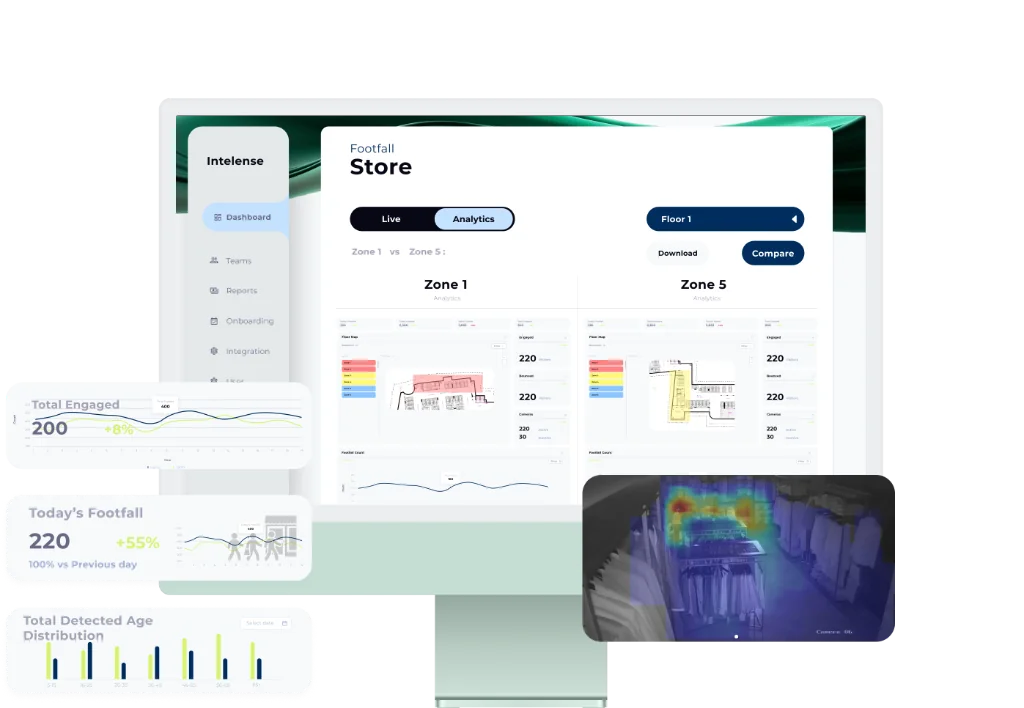
Turn any camera into actionable business intelligence footfall, behavioral analysis, and anomaly detection at 95% accuracy.
95% Accuracy
<3s Latency
 Video Intelligence
Turn any camera into actionable business intelligence footfall, behavioral analysis, and anomaly detection at 95% accuracy.
Six AI capabilities that transform raw video into business value.
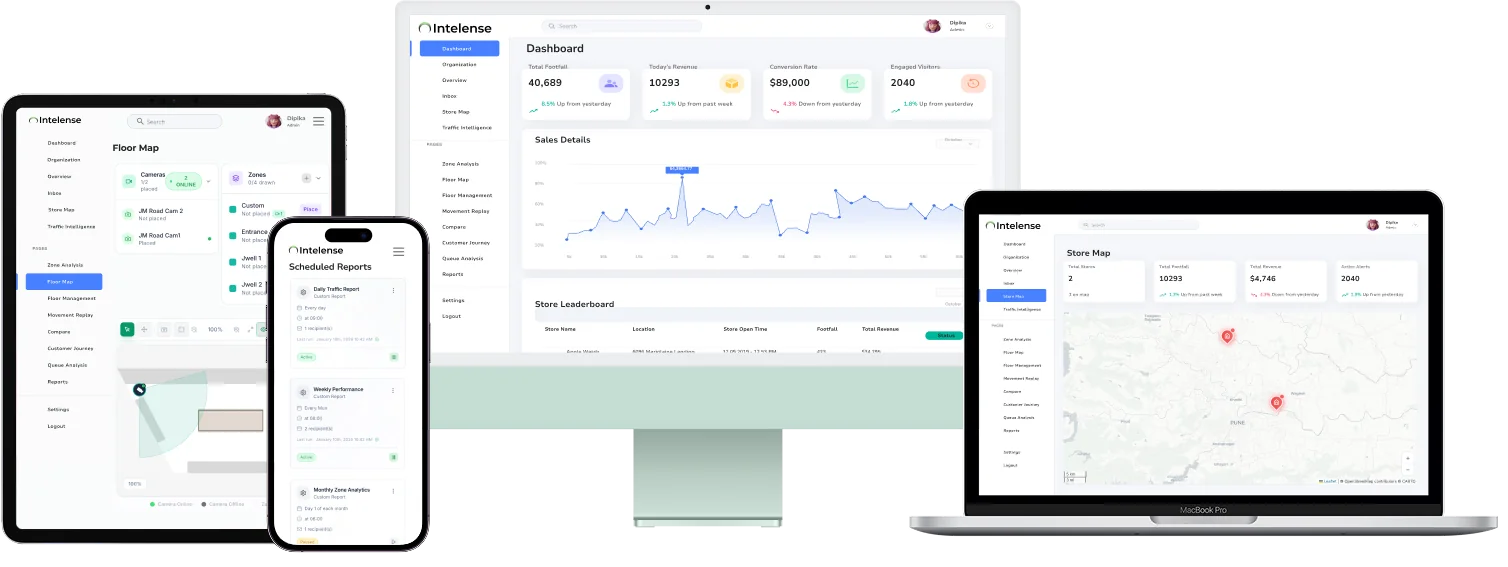
From existing camera feed to live operational intelligence no hardware changes required.
Connects to your existing cameras and recording systems no engineers, no swaps, no downtime.
Every frame analysed in real time people counted, zones mapped, anomalies flagged at under 3s latency.
Live dashboards, smart alerts, and historical reports.
KenVision turns any camera network into an operational intelligence layer.
Footfall analytics, zone heatmaps & conversion tracking across every floor.

Queue times, staff efficiency & drive-through flow optimisation.
Passenger flow monitoring, queue alerts & crowd density management across terminals.
Lobby dwell time, concession queue tracking & screen occupancy analytics.

Forecourt occupancy, pump dwell time & convenience store footfall analysis.

Space utilisation, meeting room occupancy & peak hour footfall across floors.
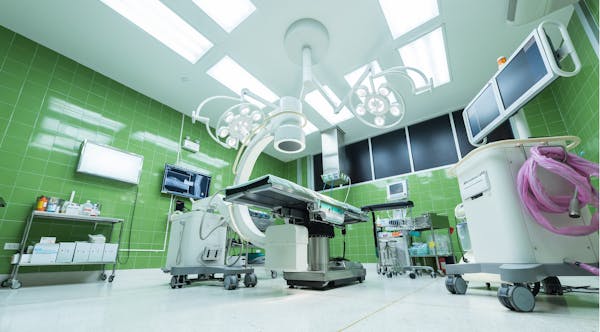
Waiting area occupancy, staff movement tracking & restricted zone monitoring.

Lobby flow, F&B area analytics & guest movement patterns across the property.
Five purpose-built analytics modules all powered by your existing cameras.
Deploy across your entire camera network with no hardware changes and no disruption.
Door sensors count entries but can't distinguish direction, group size, or dwell. Manual clickers introduce human error and only sample. KenVision uses computer vision on your existing cameras to count every individual, track direction, measure dwell time per zone, and distinguish staff from customers giving you a complete behavioural picture, not just a headcount.
Yes. Zones are drawn directly on the camera feed in the dashboard you can define any polygon shape for any area: a product shelf, a checkout lane, a window display, or an entire floor section. There is no minimum size and no limit on the number of zones per camera.
KenVision uses multi-person tracking with occlusion recovery when two people overlap, the system maintains individual track IDs and re-identifies each person as they separate. This keeps dwell and journey data accurate even in crowded scenes.
POS data tells you what was bought. KenVision tells you what was seen, touched, and passed. It measures the ratio of people who entered a zone to those who engaged with a product surfacing the gap between exposure and purchase that POS alone cannot explain. This is where the measurable conversion improvements come from.
Yes. KenVision connects directly to your existing recording systems. It processes all camera feeds through a single integration no per-camera configuration required.